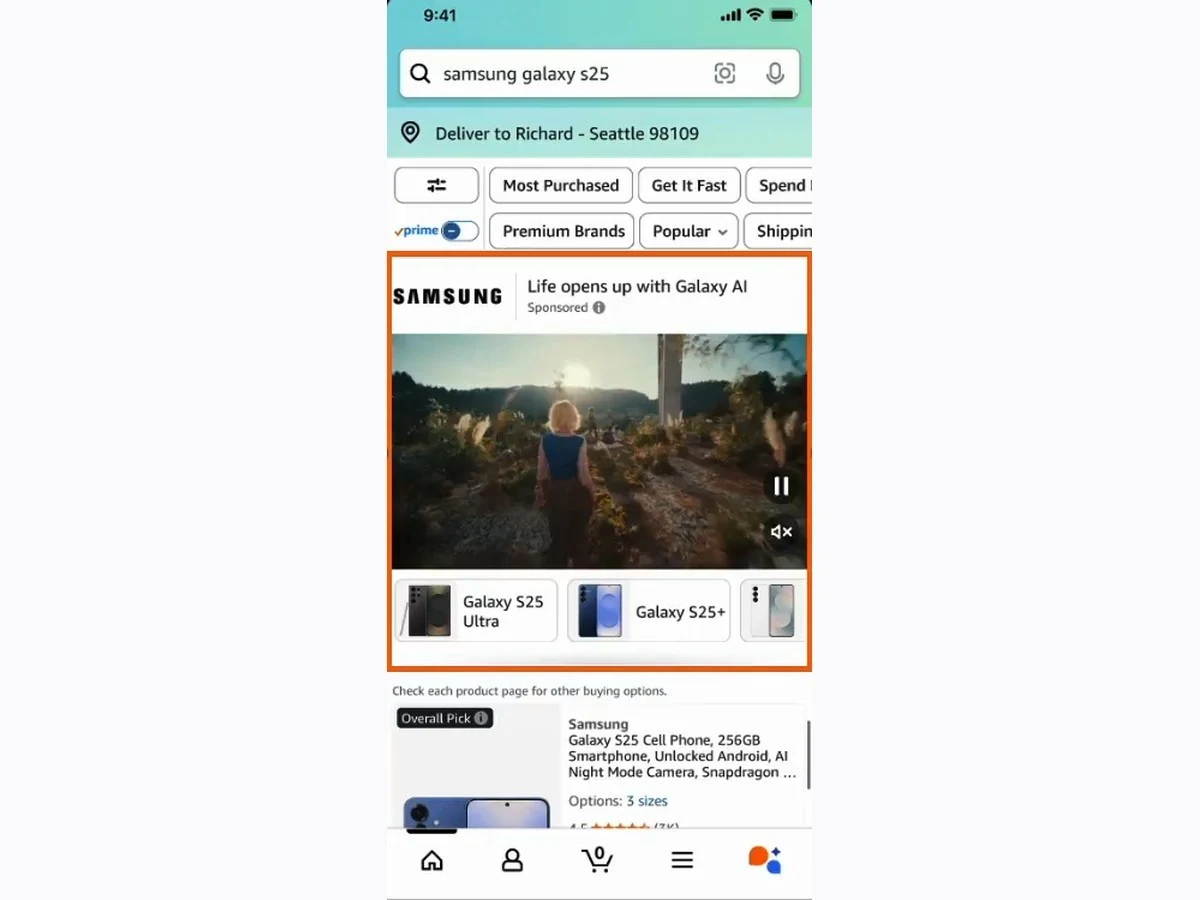
Ivan Marynych shares a workflow for turning product assets into narrated advertising video in Amazon Creative Studio, then finding the output in Creative Assets for a Sponsored Brands Video campaign. His walkthrough starts with a product, brand logo and colours, followed by listing images or video.
Treat this as a practitioner workflow to evaluate, not a newly announced universal feature. Check that Creative Studio is available to the account and that the resulting asset satisfies the intended ad format before submitting it. Availability for one format does not guarantee acceptance in another.
Before using a generated video, verify the product depiction, narration, claims and branding. Review any generated elements for accuracy and ensure the advertiser has the rights needed for the source material. Keep the original asset and the approved version identifiable so later changes can be traced.
If testing the workflow, vary a specific creative element and compare outcomes over a suitable period. This resource does not promise a performance lift or endorse a vendor service. The original LinkedIn walkthrough is the reference; account eligibility and the original post’s exact timestamp remain unconfirmed. Source checked 23 October 2026.
Keep learning
What would you add?
Bring your experience to the conversation. The next useful perspective could be yours.
Talk with the collective