BigQuery · Status at source date: Newsletter archive
BigQuery adds a persistent bytes processed limit
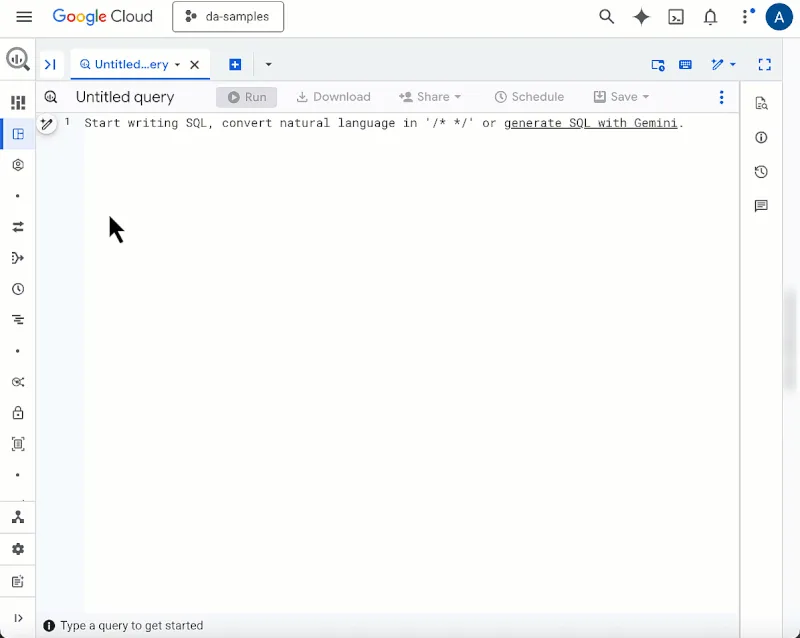
BigQuery Studio now allows users to set a persistent "maximum bytes processed" limit that follows their user profile across projects. The setting acts as a personal safety net, preventing massive data scans triggered by typos or exploratory queries from generating unexpected costs.
What changed
Notably, the feature doesn't require project owner permissions - individual analysts can configure their own limits without administrative intervention. For teams where multiple users query large datasets, this provides lightweight cost control at the user level rather than requiring organisation-wide policies.
Sources & contributor credit
- Newsletter coverage · Paid Media Collective newsletter
Original newsletter text, contributor labels and media for this update.
- Source referenced in newsletterLinkedIn
Linked from the original newsletter. The source publication date has not been independently confirmed.
Original creator unverified
The names below are source credits. The original creator and first-reporting priority have not yet been independently verified.
Attribution evidence and limitations
Full attribution review pending.
A source link alone does not establish original authorship.
Original image and video creators have not yet been verified.
- Published on this site
This update reflects the dated source reporting. Availability may have changed. Further coverage of this same development will be added to this page.
Original newsletter text and archive evidence
BigQuery adds a persistent bytes processed limit
BigQuery Studio now allows users to set a persistent "maximum bytes processed" limit that follows their user profile across projects. The setting acts as a personal safety net, preventing massive data scans triggered by typos or exploratory queries from generating unexpected costs.
Notably, the feature doesn't require project owner permissions - individual analysts can configure their own limits without administrative intervention. For teams where multiple users query large datasets, this provides lightweight cost control at the user level rather than requiring organisation-wide policies.
Source captured . No explicit first-contributor label was provided for this update.