Meta Ads · Status at source date: Spotted in the Wild
Reported Meta upload setting could attach new media to multiple active ads
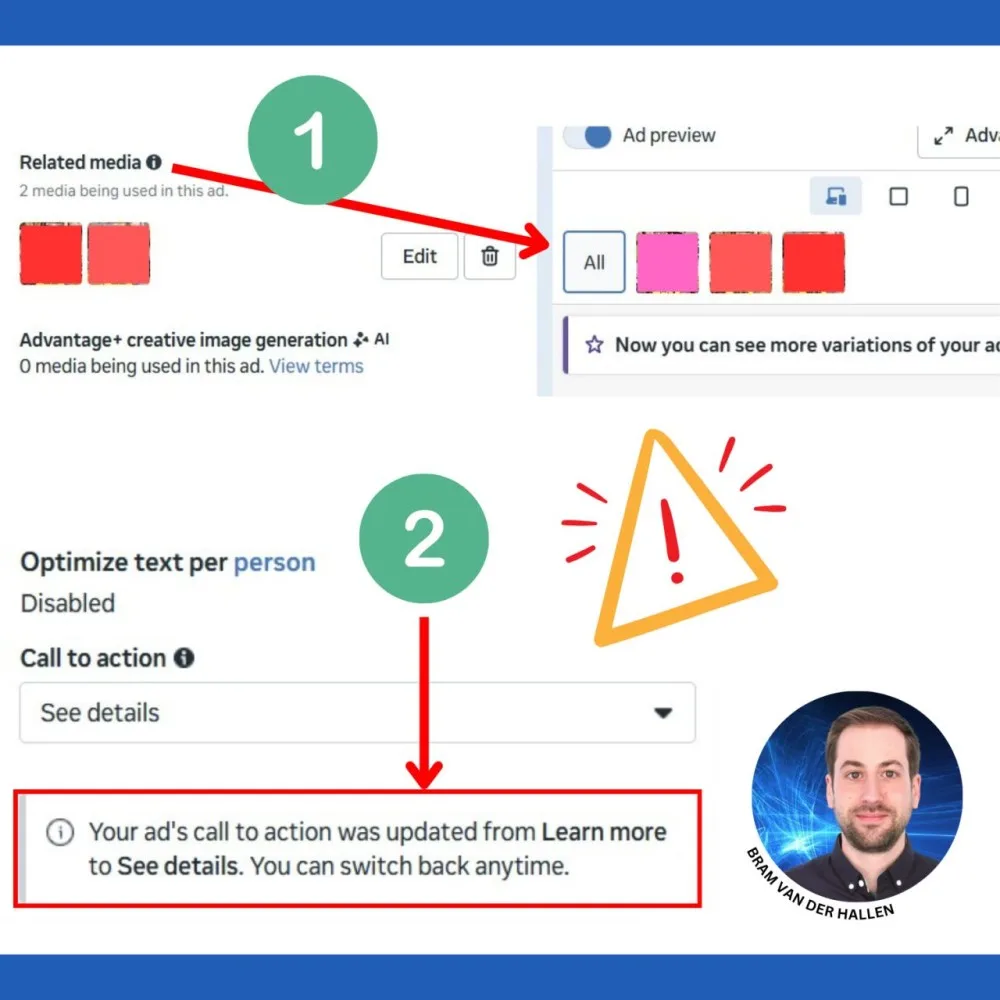
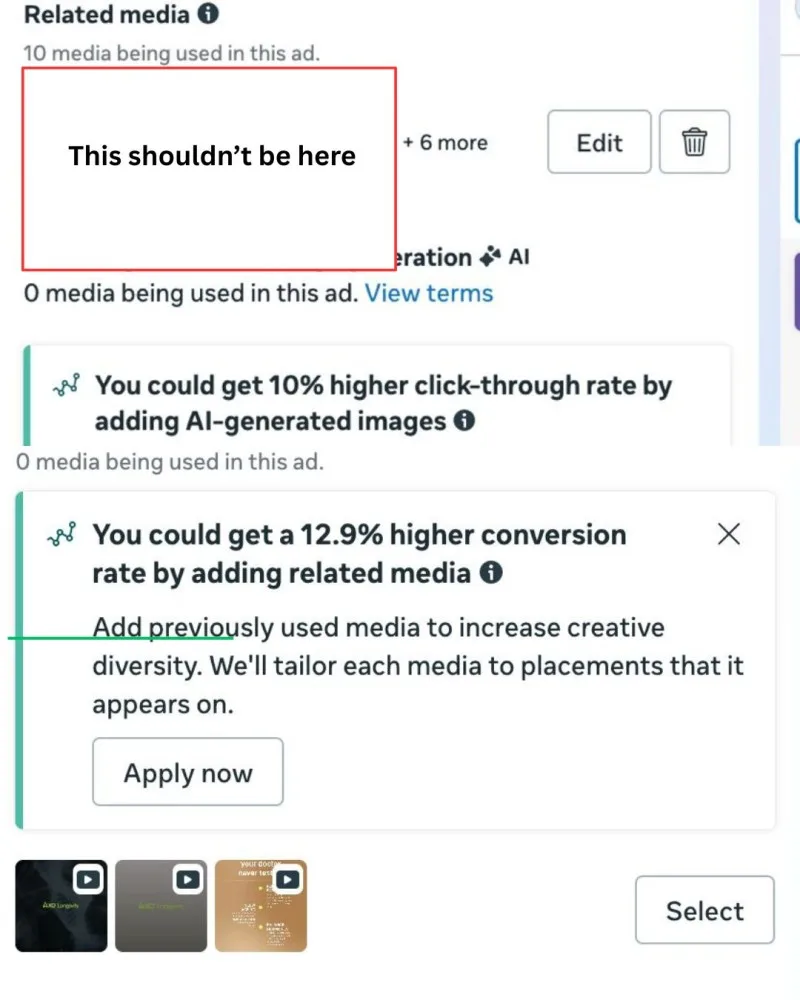
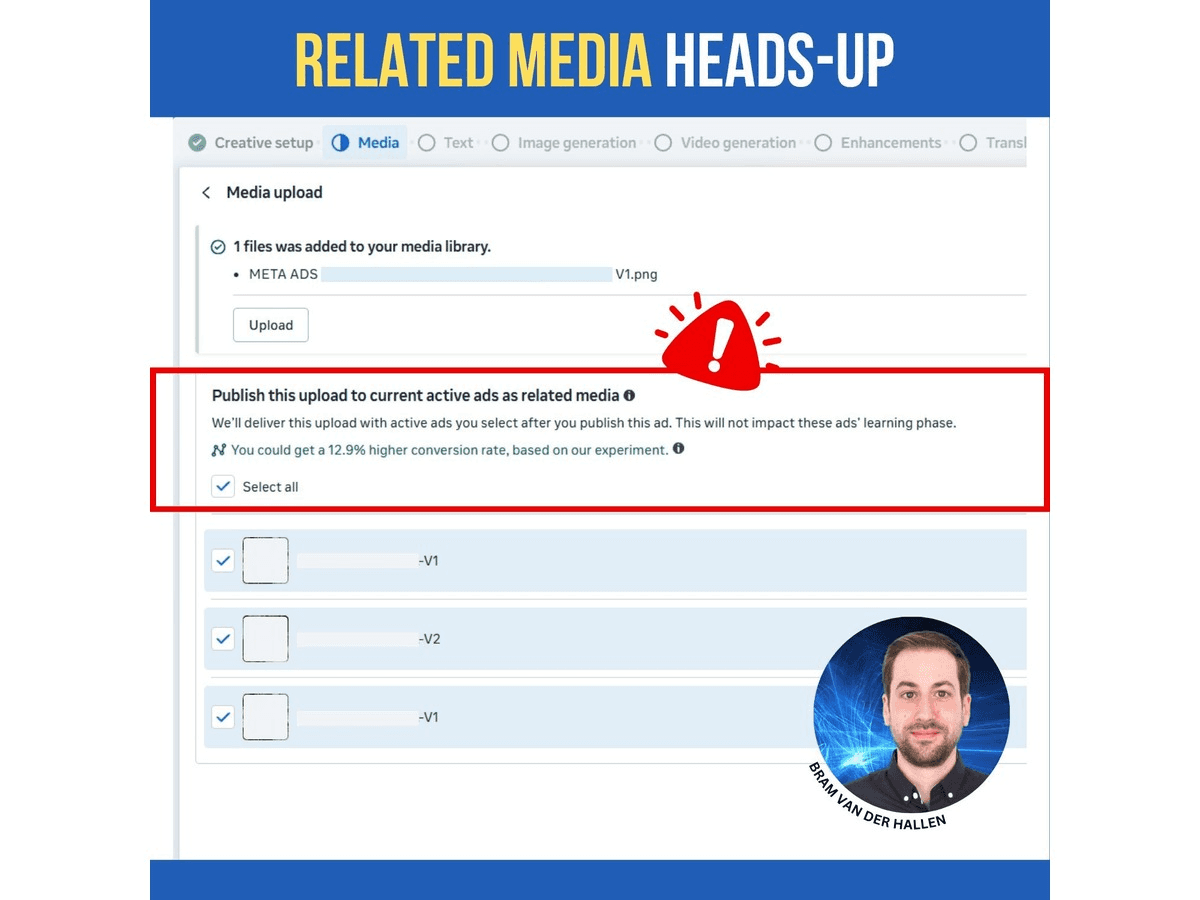
A Meta account observation suggests Related media can be preselected during upload, potentially adding a newly uploaded image to every listed active ad.
What changed
One upload may have a wider scope
Bram Van der Hallen reports that Meta’s latest media-upload interface can preselect “Related media”, which would add a newly uploaded image to every listed active ad. Related media has been documented as potentially enabled by default since at least April, while this report concerns the observed behaviour of the newer upload interface in one account.
That distinction matters. The account observation is not Meta documentation of a universal new default, and it does not establish that every upload will alter every active ad. It does identify a potentially high-impact selection whose state and affected-ad list should be checked before confirmation.
Make the intended scope explicit
Treat an upload as a possible live-ad edit whenever Related media appears. Before submission, inspect whether the option is selected, review the complete list of affected ads and decide whether broad attachment is intended. Deselecting the option is appropriate when that scope is not wanted.
A useful operational test would use a non-critical asset or controlled environment where available. Record the account, date, visible selection state and listed ads before submission, then verify the resulting associations. The aim is to understand the account’s behaviour without exposing a large set of live campaigns to an unplanned change.
Add the check to creative handover for everyone who uploads media. If an unexpected association occurs, preserve the relevant context before making further edits, then review each affected ad. Evidence from one account should guide inspection elsewhere, not create an assumption that all interfaces share the same default.
Why it matters for advertisers
A preselected multi-ad attachment option can turn a routine asset upload into a broad live-campaign change. A simple scope check can prevent unintended creative associations across active ads.
What to check next
- Check the Related media selection and complete affected-ad list before confirming every upload.
- Deselect Related media unless attachment to all listed active ads is explicitly intended.
- Document any unexpected default or association with its account, date and affected ads.
Sources & contributor credit
- Reporting or practitioner sourceBram Van der Hallen on LinkedIn
Source cited in the published Week 40 newsletter. Article observation/reporting date is shown separately; this page’s original publication date is not inferred.
- Newsletter coverage · Paid Media Collective Week 40
Published edition used for story selection, copy, source credits and media; curation is distinct from original authorship.

Original creator unverified
Contributor roles follow the published newsletter and its linked evidence. Reporting, official discussion and visual authorship are kept separate; no independently unverified first-reporting priority is awarded.
Attribution evidence and limitations
Published story and credit line reconciled with the expanded article.
Original post, primary documentation and secondary reporting links retained.
Visible image content inspected for story relevance; image credit retained separately from reporting credit.
Attribution checked . This is a review date, not the original publication date.
- Published on this site
- Article updated
This update reflects the dated source reporting. Availability may have changed. Further coverage of this same development will be added to this page.