Google · Status at source date: Verified release notes
Looker 26.24 plans dashboard-filter and scheduled-delivery improvements
Google’s 6 November notes schedule Looker 26.24 for original instances from 8 November to 8 December. The release includes filters as tiles and fixes to scheduled deliveries; Cloud core timing is separate.
What changed
Looker 26.24 combines a dashboard-filter change with fixes that may affect recurring reporting. Google lists filters as tiles as generally available. It also describes corrections for scheduled Google Sheets deliveries that created duplicates instead of overwriting a file when its name contained spaces, and Google Drive deliveries that changed spaces to underscores.
The timetable needs care. The release notes were published on 6 November 2026 and give an expected deployment window of 8 November–8 December for Looker (original). Google says Looker (Google Cloud core) rollout timing will be announced separately. These dates do not confirm that a particular instance has already received the release. This is Looker, not a Data Studio update.
For a paid-media reporting team, a delivery fix is useful only after the receiving workflow has been checked. Consider a weekly campaign report whose downstream process expects one existing spreadsheet. Before removing a workaround, confirm the installed Looker version, run a controlled delivery and inspect both the file name and whether the original file was updated. A successful dashboard load alone does not test that delivery path.
Likewise, a dashboard editor should check that moving a filter into the layout leaves its intended scope understandable to readers. Use a representative report, change a filter value and confirm the tiles respond as expected. Keep a record of the test so that a layout change is not confused with a change in the underlying campaign data.
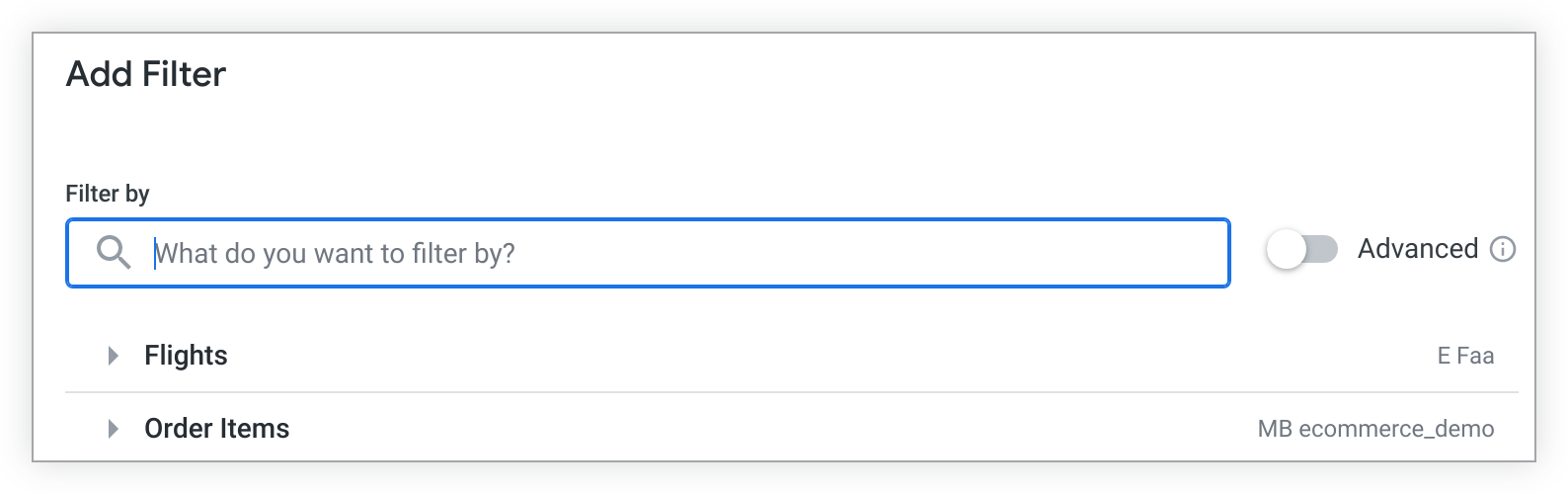
The accompanying image is Google’s existing Add Filter documentation illustration. It explains the reporting context; it is not evidence that a specific account has received version 26.24.
Why it matters for advertisers
Scheduled reports can feed client reviews and downstream spreadsheets. Verify the affected delivery path before assuming a release note has resolved a live reporting problem.
What to check next
- Confirm whether the instance is Looker original or Google Cloud core and check its installed version.
- Retest a delivery with spaces in the filename and confirm overwrite behaviour.
- Review dashboard filter behaviour with a representative report.
Sources & contributor credit
- Official source · Google
Unsigned Google release notes dated 6 November 2026; expected original-instance rollout 8 November–8 December, not confirmed account completion. Independent review passed 9 November. Google documentation illustration retained under its CC BY 4.0 footer, with source, licence and unchanged attribution; no image-specific exception found.

Original creator unverified
Credits reflect the editor's latest changes. Original authorship has not been independently verified for this version.
Attribution evidence and limitations
Full attribution review pending.
A source link alone does not establish original authorship.
Original image and video creators have not yet been verified.
- Published on this site
- Article updated
This update reflects the dated source reporting. Availability may have changed. Further coverage of this same development will be added to this page.